Upload. The studio runs itself.
Bring the photos you already have and get back studio-quality listings that pull in more buyers and sell for more — in minutes. The same steps run on everything you sell, so you just post the result and move on.
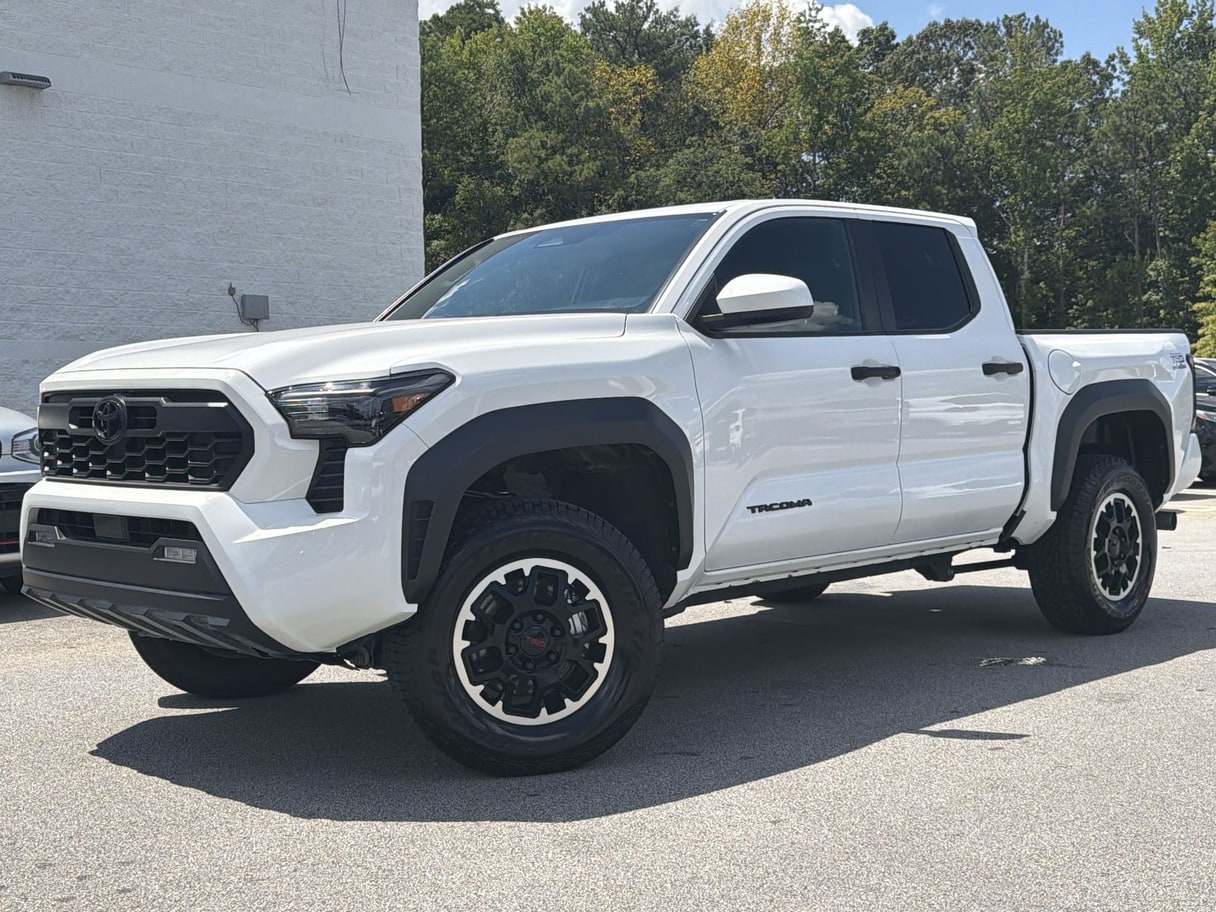
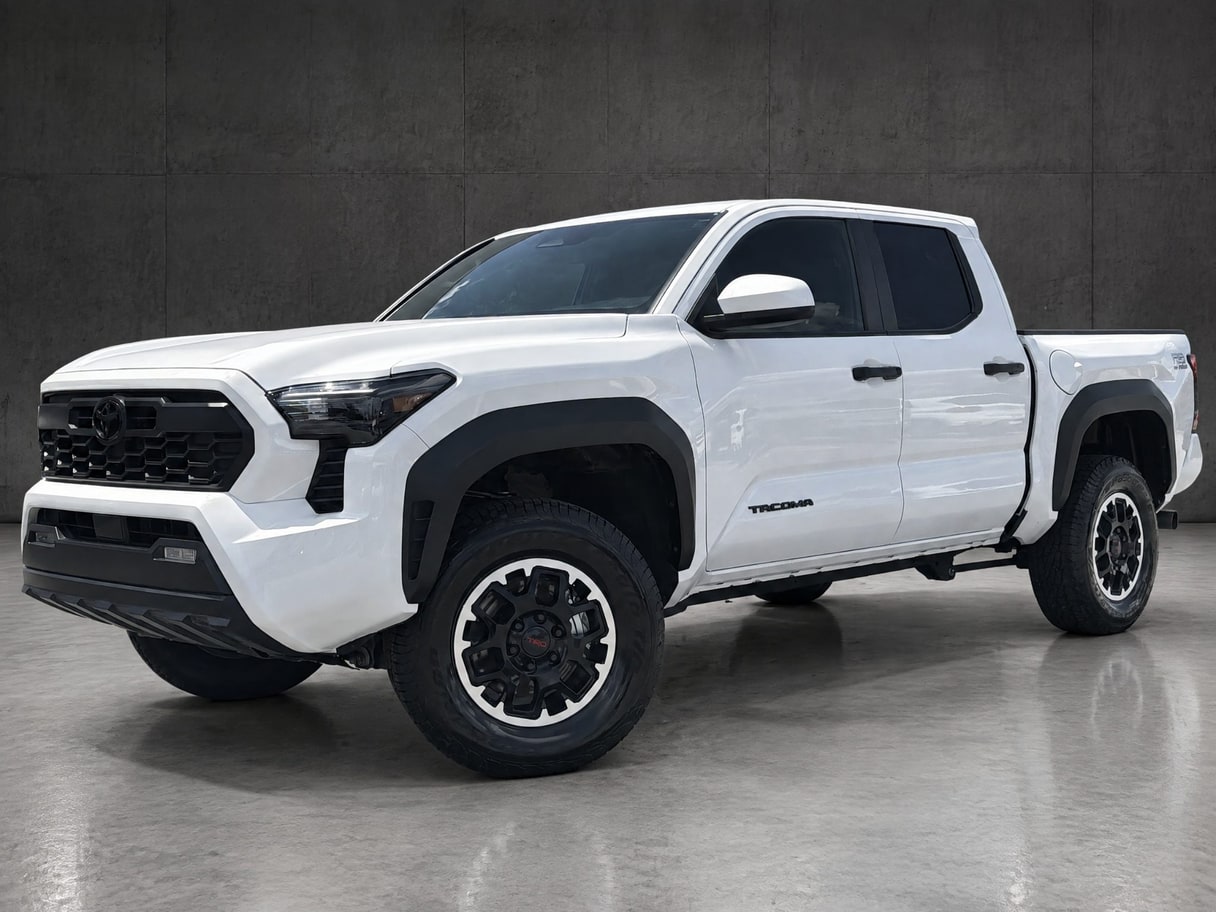
The steps
Five steps, all automatic.
Turn on only the steps you want for each vehicle — skip the rest. See the backgrounds you can pick from.
Upload
Drag in the lot or phone photos you already have — no app, no camera rig. They group themselves into listings by VIN, stock # or shoot, and your originals are saved untouched.
Sort
It figures out what you’re selling (you can always override it), separates the vehicle from everything behind it, and puts the shots in order for a clean gallery.
Polish
Backgrounds, lighting and framing get fixed, then your branding, plate blur or your own plate, face blurring, and a description built from the VIN get added — so every shot looks studio-grade and matches across the listing.
Format
Your photos get sized and laid out for each place you list — your website, the marketplaces, social — with marketing shots labeled where the site requires it.
Publish
Post listing-ready photos that look their best everywhere you sell — and do it in minutes. Every photo traces back to your untouched original.
Better photos sell for more.
Shoppers buy with their eyes. Better photos pull more views and a higher price.
- +19%
- Higher sale price with pro-quality photos
- +21%
- More conversions on high-quality images
- +58%
- More sales when you show more angles
- 40%
- Of buyers would buy from the photos alone
Based on industry research · AutoTrader (Cox Automotive), eBay & BigCommerce
Free to start.
Month-to-month on every tier, at a fraction of a photo service — with the price in plain sight.