Capability
Clean backgrounds. Consistent listings.
Replace distracting surroundings with a clean studio sweep or branded scene while the vehicle itself stays true to the source photo.
Capability
What it does
Background removal separates the vehicle from whatever happened to be behind it when the photo was taken. That may be a crowded driveway, a service bay, changing weather, neighboring inventory, or a horizon that shifts from frame to frame. The finished cutout can sit on a clean sweep or a background prepared with your branding, giving the gallery one visual setting without asking for another shoot.
The edit is about presentation, not condition. Paint, glass, tires, controls, attachments, upholstery, damage, and identifying details remain part of the photographed vehicle. VehiclePhoto stores the uploaded original untouched and creates a derived result, so you can compare versions and return to the source. Marketing scenes remain labeled as enhanced wherever the destination or applicable rule requires that disclosure.
Cleaner edges
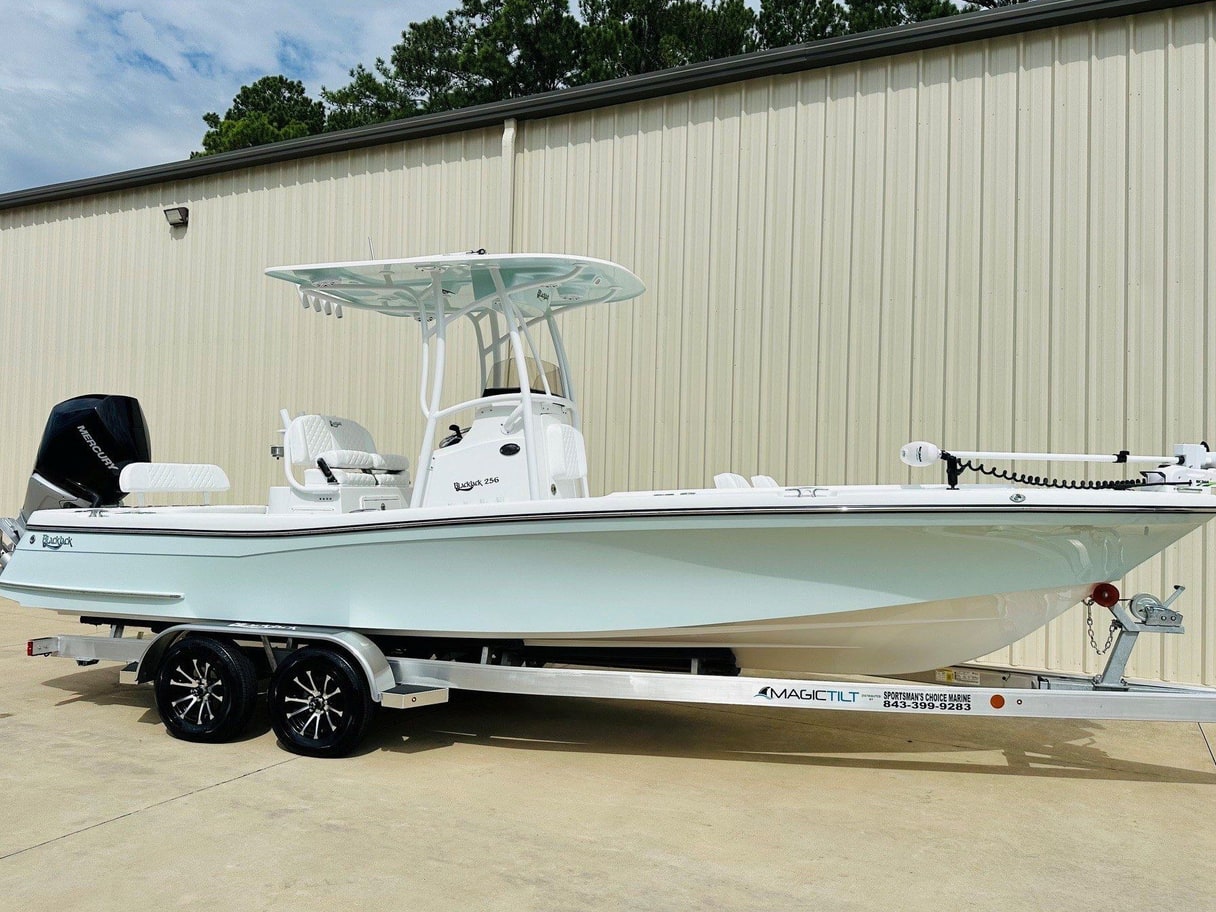
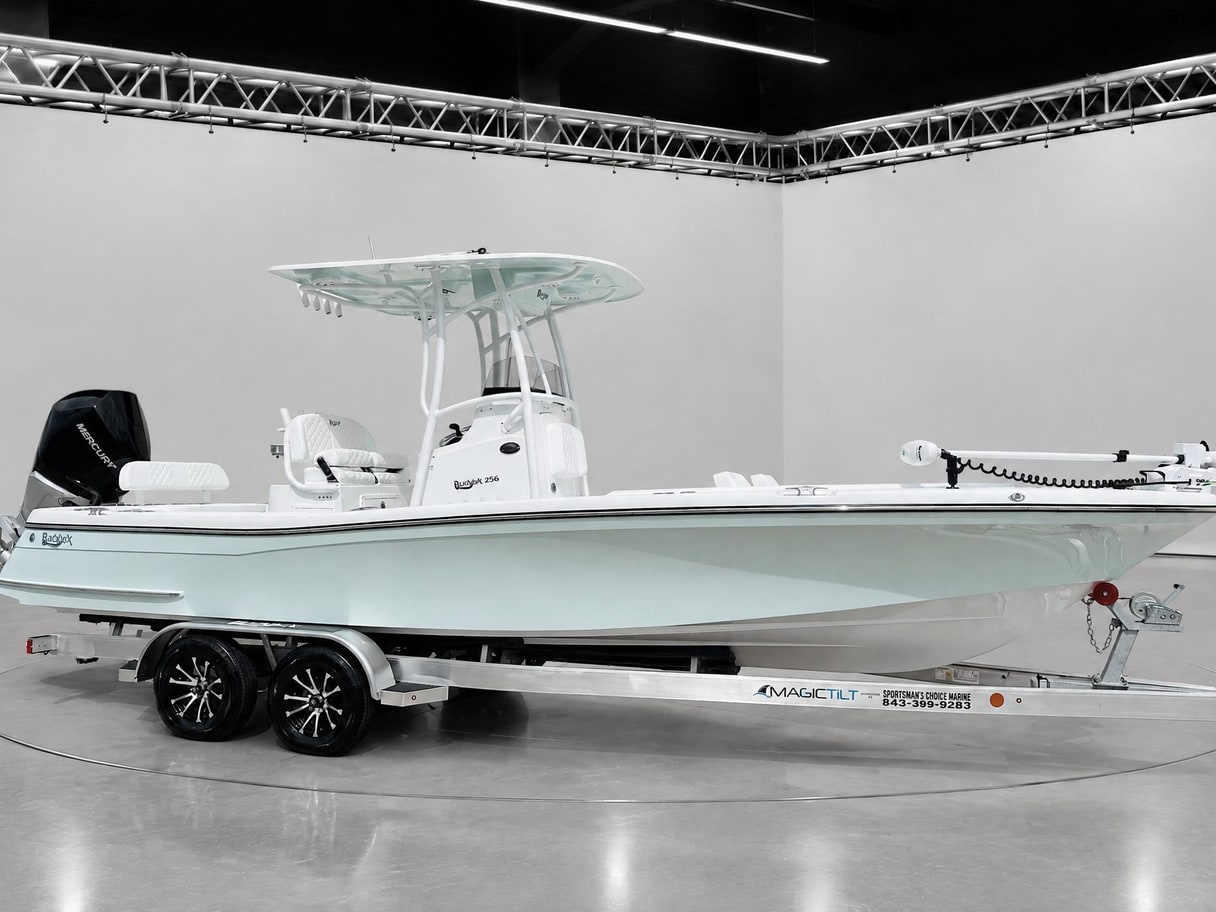
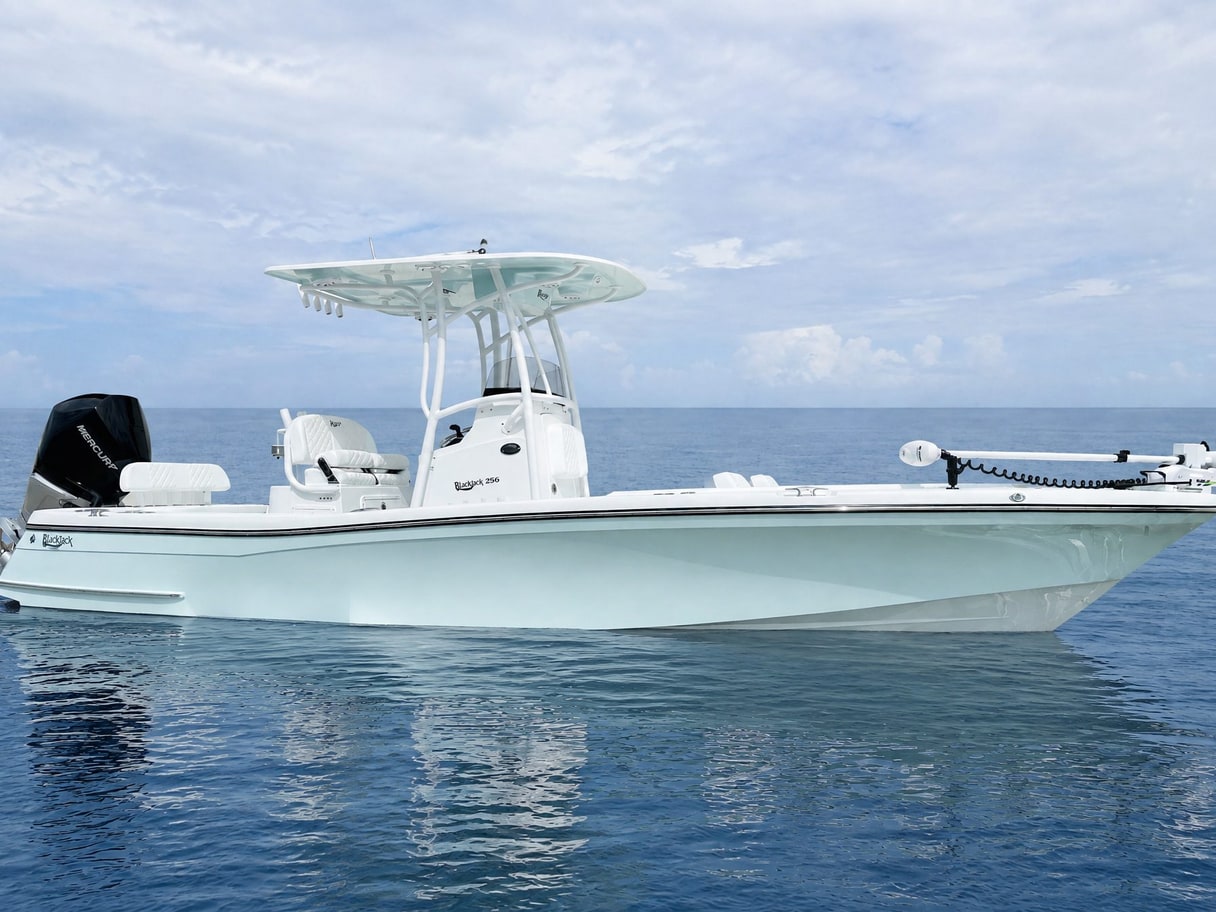
The cutout follows open frames, mirrors, rigging, booms, wheels, and other shapes that need more care than a simple outline.
Matching galleries
Use one background and framing choice across all photos so neighboring listing photos feel deliberate rather than pieced together.
Visible branding
Apply an approved branded scene without repainting the vehicle, then keep the enhancement disclosure with the marketing image.
Workflow
How it works
- 01
Upload the photo
Add the photos you already have. The vehicle is separated from its original surroundings while the uploaded file remains untouched.
- 02
Choose the setting
Pick a clean sweep or an approved branded background and use the same choice across all of the vehicle’s photos.
- 03
Review the result
Compare the derived image with the original, check edges and condition details, then export the version you approve.
Example
See the difference
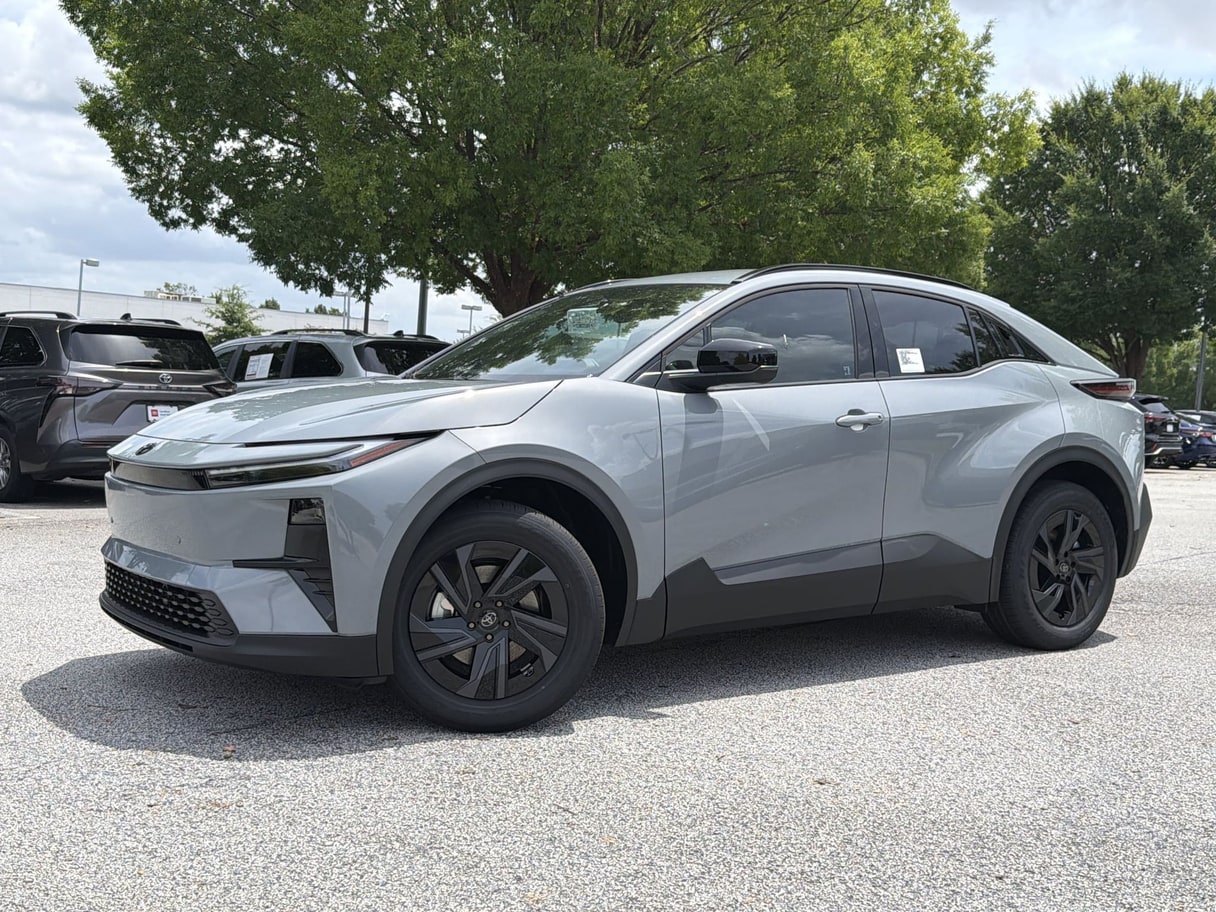
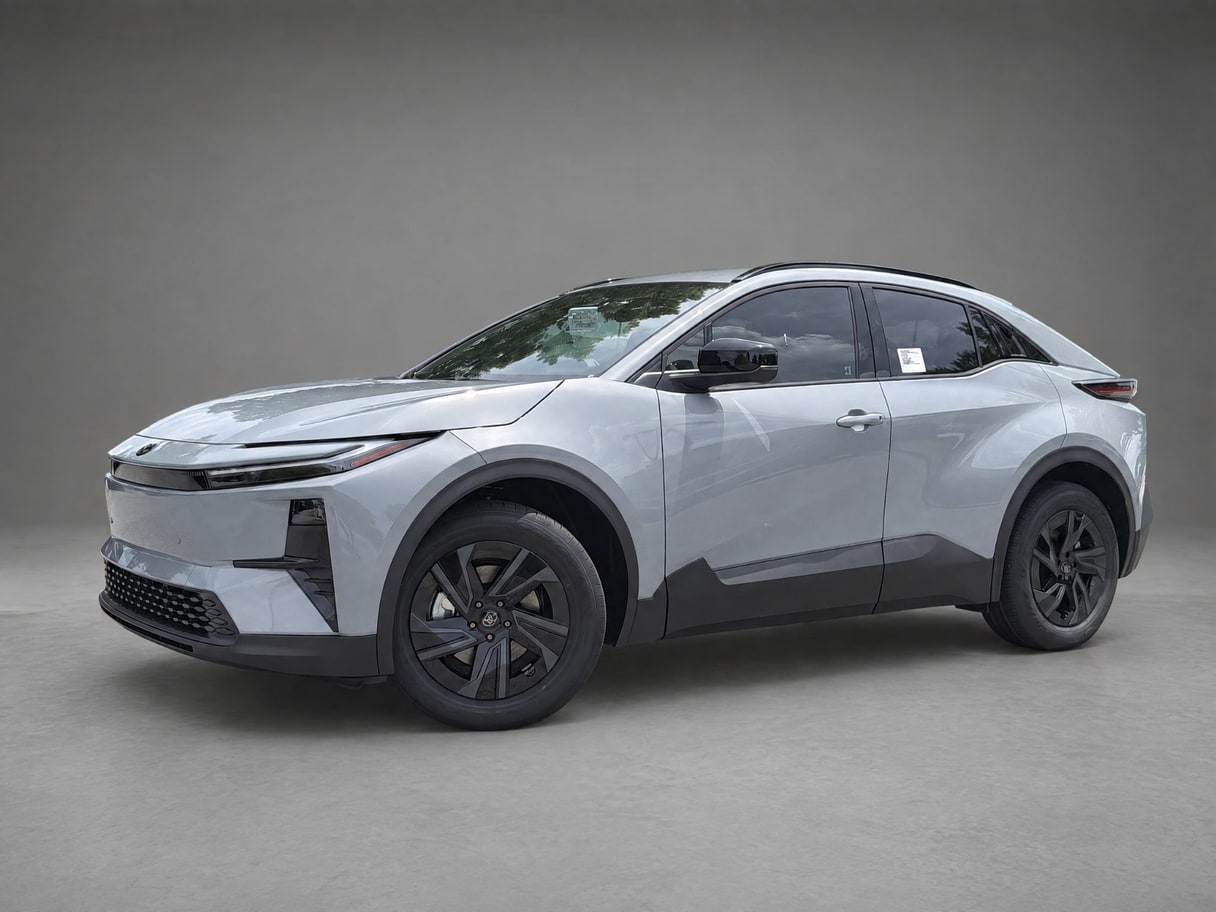
One photo
Two scenes
Workflow
Where it fits
Use background removal when otherwise useful photos were captured in inconsistent places or when a listing gallery needs one recognizable presentation. It works across cars, boats, RVs, powersports, and equipment, including subjects with open spaces and irregular outlines.
For the strongest result, begin with a clear view of the whole vehicle and enough separation from nearby objects. Pair this capability with matching framing for a calmer sequence, or review the editing guide before choosing a more expressive scene.
Pricing
Free to start
Start free. Credit plans begin at $49 per month, and the one-off Listing Pass is $39 for a single listing.
See pricingFAQ
Background removal, answered.
What vehicles can it handle?
Cars, boats, RVs, powersports, and heavy equipment can all use the same background workflow. The source photo still needs a visible subject and enough detail around its edges for a useful cutout.
Does it change condition?
No. The goal is to replace what surrounds the vehicle, not hide wear, damage, options, or modifications. Review every result against the untouched original before publishing it.
Can I revise it?
Yes. Processing creates a derived version rather than overwriting the upload, so you can choose another background or rerun the edit from the original.
Sources
- VehiclePhoto pricing — Published credit-plan, Listing Pass, and free-start information.
Keep exploring